




It is recommended that you complete the Keystone Courses first before doing the Agriculture Course
Take the FREE GeoWing Academy Mini Course here

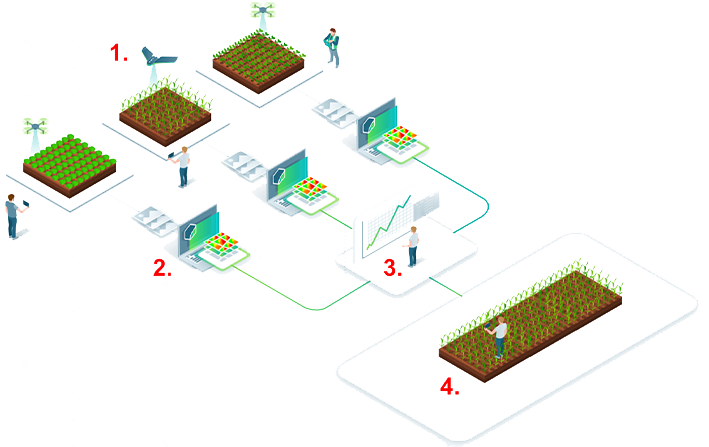
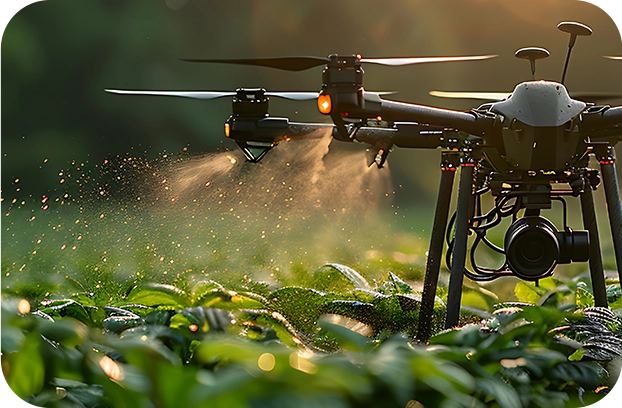
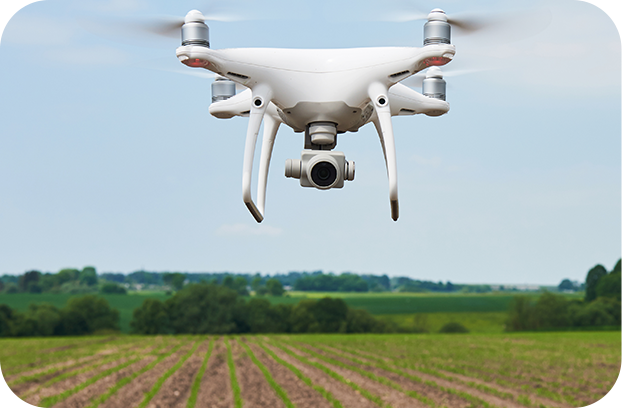
The agricultural courses will teach you how to use your off the shelf drone to assist growers, UAV service providers and interested parties in all things agriculture. Learn how to monitor fields, assess plant health, produce reports, identify areas of plant stress, assess field productivity and quantify agricultural information and so much more! Learn creative ways to use your RGB drone and GIS to help manage your farm.



In this course you will learn how to estimate a number of quantities for a potential dam/reservoir site in QGIS 3.28.14-Firenze. This course is perfect for those who would like to accurately estimate the floodplain, dam wall length, spillway height, dam wall facade area and the volume of a potential irrigation dam, water reservoir or slimes dam using UAV data, photogrammetry outputs and GIS.
Geowing Academy has left in some of the glitches so that you can see how open source is not always optimised when it is updated or alternative versions of the software are used, this will ensure that it does not come as a surprise when using updated or older/ newer versions of the software. You will need to download and install QGIS from the Software/ Hardware Requirements page for this course.
This course will take you 1 hour to complete (part 1)

In this course you will learn
PART
ONE
- Generating Dam Base Vectors
– Demarcate a dam wall in drone data
– Generate contours
– Isolate specific features for virtual dam building - Generating Basic Virtual Dam Wall
– Snapping features
– Merging data
– Calculate lengths in metres
– Prep Attribute Data for further analysis - Generate Virtual Dam
– Generate virtual dam
– Fix data
– Calculate dam area in metres squared
– Understanding attribute table outputs
– Calculate dam volume in cubic metres
– Attribute Table Information - Make it pretty
– Visualise the data
PART
TWO
COMING SOON
- Calculating dam wall façade area for earth dam wall material volume calculations
Free data is provided for this course
(check Course System Requirements page to make sure your computer can run the programs and therefore the data set)
USD$100.00

It is recommended that you complete the Keystone Courses first before doing the Agriculture Course
Take the FREE GeoWing Academy Mini Course here
The agricultural courses will teach you how to use your off the shelf drone to assist growers, UAV service providers and interested parties in all things agriculture. Learn how to monitor fields, assess plant health, produce reports, identify areas of plant stress, assess field productivity and quantify agricultural information and so much more! Learn creative ways to use your RGB drone and GIS to help manage your farm.
In this course you will learn how to estimate a number of quantities for a potential dam/reservoir site in QGIS 3.28.14-Firenze. This course is perfect for those who would like to accurately estimate the floodplain, dam wall length, spillway height, dam wall facade area and the volume of a potential irrigation dam, water reservoir or slimes dam using UAV data, photogrammetry outputs and GIS.
Geowing Academy has left in some of the glitches so that you can see how open source is not always optimised when it is updated or alternative versions of the software are used, this will ensure that it does not come as a surprise when using updated or older/ newer versions of the software. You will need to download and install QGIS from the Software/ Hardware Requirements page for this course.
This course will take you 1 hour to complete (part 1)
In this course you will learn
PART
ONE
• Generating Dam Base Vectors
– Demarcate a dam wall in drone data
– Generate contours
– Isolate specific features for virtual dam building
• Generating Basic Virtual Dam Wall
– Snapping features
– Merging data
– Calculate lengths in metres
– Prep Attribute Data for further analysis
• Generate Virtual Dam
– Generate virtual dam
– Fix data
– Calculate dam area in metres squared
– Understanding attribute table outputs
– Calculate dam volume in cubic metres
– Attribute Table Information
• Make it pretty
– Visualise the data
PART
TWO
COMING SOON
• Calculating dam wall façade area for earth dam wall material volume calculations
Free data is provided for this course
(check Course System Requirements page to make sure your computer can run the programs and therefore the data set)
USD$100.00