
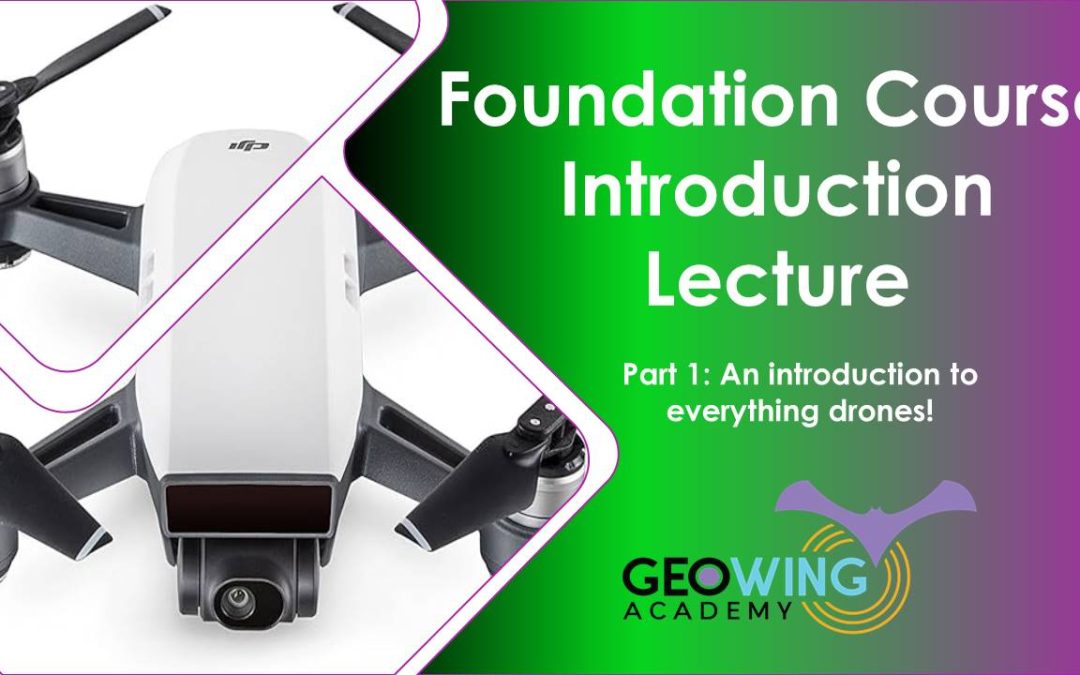

The Foundation Course will provide you with everything you need to know in order get going using your Red Green Blue (RGB) camera consumer drone as a data capture platform. The Foundation Course consists of 4 parts.
The Foundation Courses consist of two theory lectures. Part 1 is for those who are brand new to UAVs and photogrammetry while Part 2 is a Pre Practical lecture on “Getting Started”. This is followed by two practical courses: Part 3 deals with Photogrammetry (Web Open Drone Map) and Part 4 is an introduction to Graphics Information Systems Software (QGIS).
This course will take you an estimate of 4.5 hours to complete

PART 1
For those who are brand new to UAVs and photogrammetry
• A history of UAVs
• Types of civilian UAVs
• Drone payloads (sensors, camera etc)
• What is photogrammetry?
• What is GIS?
• How UAV data and photogrammetry outputs can be used in different software platforms to quantify the world in different ways with examples.
• Drone laws and regulations (according to International Civil Aviation Organisation)
Course Duration: 57:52 minutes
PART 2
Pre-practical lecture: Getting Started. Lets look at how we go about planning and executing a drone mapping mission.
- Airspace
Considerations
Google Earth SACAA layer example - What are we capturing?
AGL determines GSD
Calculating GSD - Photogrammetry Considerations
Gimbal/ camera angle
Flight Patterns
Image Overlap - Camera Considerations
A brief about cameras
Shutter types
Shutter speed & flight speed - Satellite, RTH, Kp Index
OAS sun Angle
Sun angle & shadow - Software & Firmware Updates
- Available autonomous flight apps for drones
Flight planning with DH
Lets Fly! - Understanding image data & correct data saving.
- Quick software run through, what are they & what are they used for? (WebODM, QGIS & Cloud Compare)
- Useful tips & tricks
Course Duration: 1:02:55 minutes
PART 3
WebODM Photogrammetry Practical
This course will cover the foundation of how to generate maps and models from drone-captured data (explained in Part 2). You will need to download and install Open Drone Map (WebODM) This course uses version 2.2.0 build 102 and comes with a free data set. If you are unable to download the WebODM installer, FEAR NOT! GeoWing Academy provides pre generated maps and models for use in Part 4 GIS Practical.
• How to correctly file your raw drone data and create folders for post photogrammetry outputs (data organisation for consistency)
• How to use photogrammetry software to generate maps and 3D models
• How to navigate through different photogrammetry outputs and what they mean
• How to use measurement tools, create shape files and contours in photogrammetry software
• Useful tips and tricks
• Brief look at photogrammetry reports and what the information means
• Export maps and models correctly for following GIS course.
• Free drone data is provided for this course (check Course System Requirements page to make sure your computer can run the programs and therefore the data set). If you are unable to get WebODM just yet, dont worry, we’ve got you covered! A pre-processed data set is available for the following GIS practical.
Course Duration: 37:36 minutes
PART 4
Quantum Graphics Information Systems (QGIS) Practical
This course will cover the foundation of Graphics Information Systems software (GIS) and follows on from the WebODM practical. *If you are unable to process the data set from the WebODM course for whatever reason, please download the pre-processed data for this course! You will need to download and install QGIS (this course uses QGIS version 3.22.15 Bailowieza) from the Software/ Hardware Requirements page to complete this course.
• Add orthomap and digital surface model (raster layers) outputs from previous WebODM course to QGIS and order the layers correctly
• Raster layer properties menu and what it entails
• The importance of Coordinate Reference Systems (CRS)
• How to change visualisation of layers to better represent digital landscape information
• How to use quick measurement tools
• How to use feature identification tool, why it is so useful and what data it shows
• Learn how to add vector layers (digitizing) to raster layers
• Understanding attribute tables.
• Learn how to add measurement information to vector layers
• How to add labels, buffers and change styles of vector layers for better representation.
• Useful tips and tricks
• Free data is provided for this course (check Course System Requirements page to make sure your computer can run the programs and therefore the data set)
This in-depth course will give you the best foundation for acquiring, processing and understanding the power of aerial image data modelling.
Course Duration: 30:15 minutes